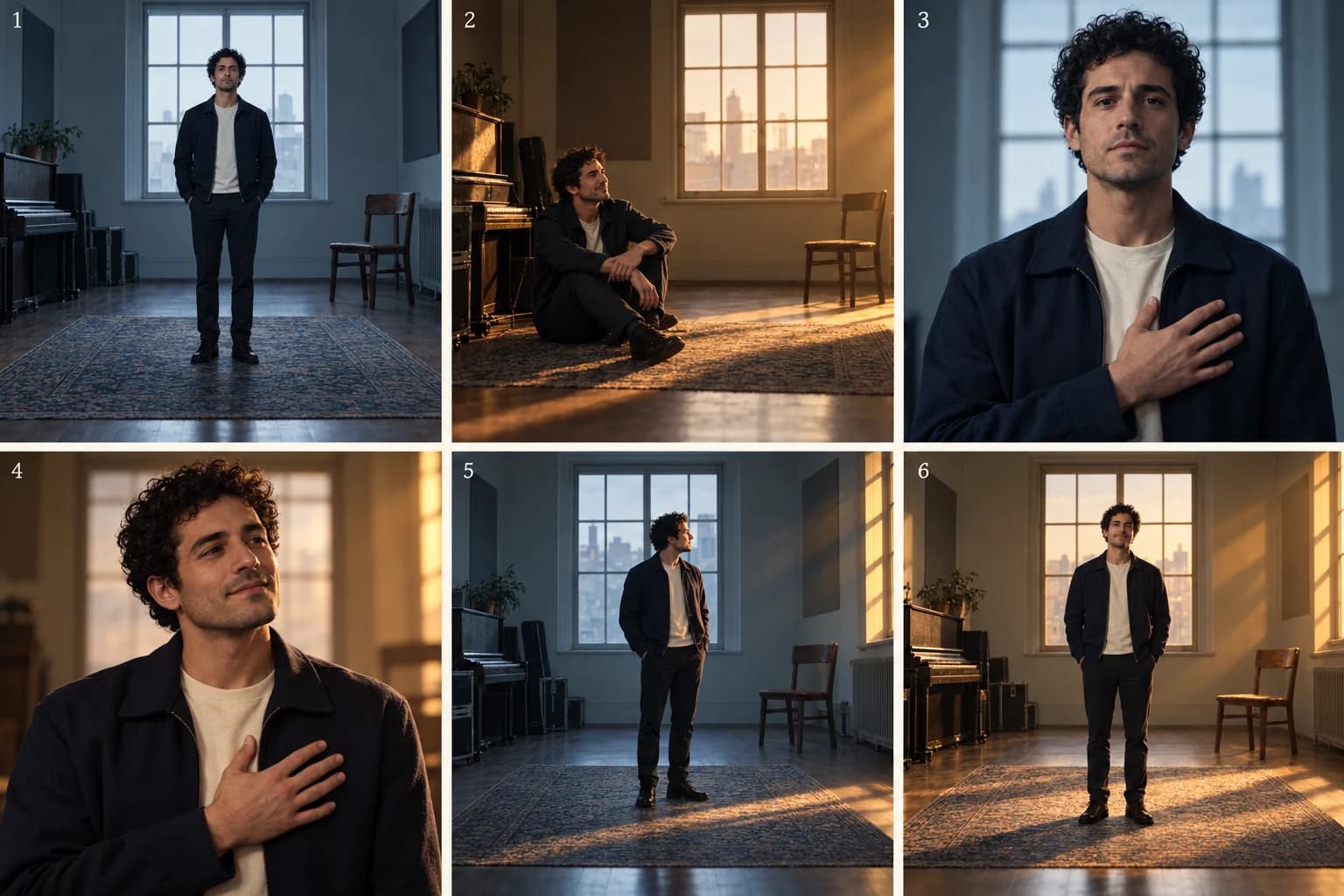
A polished public face and a less guarded private self can belong to the same person. A music video can show that conflict without introducing a second character or explaining it in dialogue.
This two-world music video treatment uses two versions of a rehearsal room. One is cool, orderly and centered; the other is warm, off-center and more relaxed. The performer and outfit connect them. The ending lets a little of the private world enter the public one.
After the Applause is a fictional teaching concept. The images are AI-generated concept illustrations, not a finished VibeMV video. The written prompts have not been tested as a sequence. This is a plan for separate shots and edits, not evidence of a transformation effect.
The treatment: After the Applause
A performer stands in a room arranged as if someone is always watching. He is centered, neatly framed and almost motionless. Between these composed appearances, we see another version of the same room. The light is warmer, the framing less formal, and he has room to breathe.
At first, each cut makes the two selves seem separate. Then the same gesture appears in both: a hand resting against his chest. In the public room it feels protective; in the private room it feels open. The repetition tells us that the difference is not who he is, but how much of himself he allows us to see.
In the final public-room image, he turns toward the window. Warm side light reaches his face. The room remains orderly, but his posture relaxes. Neither world disappears; the last shot makes space for both.
The idea suits a song about expectation, performance or the gap between how someone appears and feels.
Give each world a small set of rules
| Element | Public room | Private room |
|---|---|---|
| Framing | Centered, balanced | Off-center, more breathing room |
| Light | Cool and even | Warm light from the side |
| Performance | Held posture | Relaxed shoulders, open expression |
Keep the same performer, navy jacket, cream shirt, window and chair. If clothing, location, face and camera style all change, viewers may read two unrelated people. Contrast becomes clearer when enough stays familiar.
The ending breaks just one established rule: warm light enters the public frame. It does not require the walls to melt or the two rooms to collide.
Six beats that develop the contrast
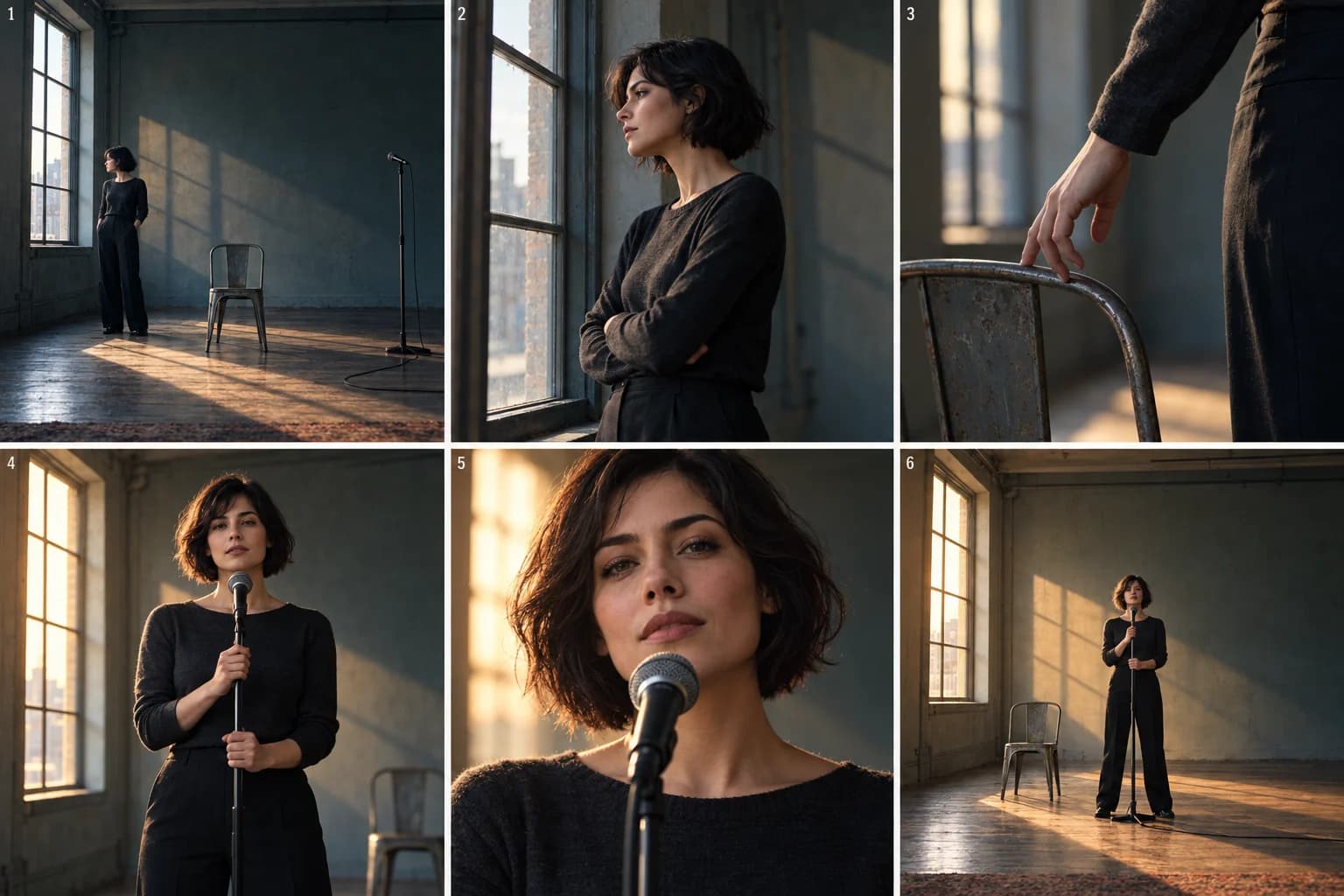
The numbered concept images below follow the story in pairs. Select an image to view the full board.
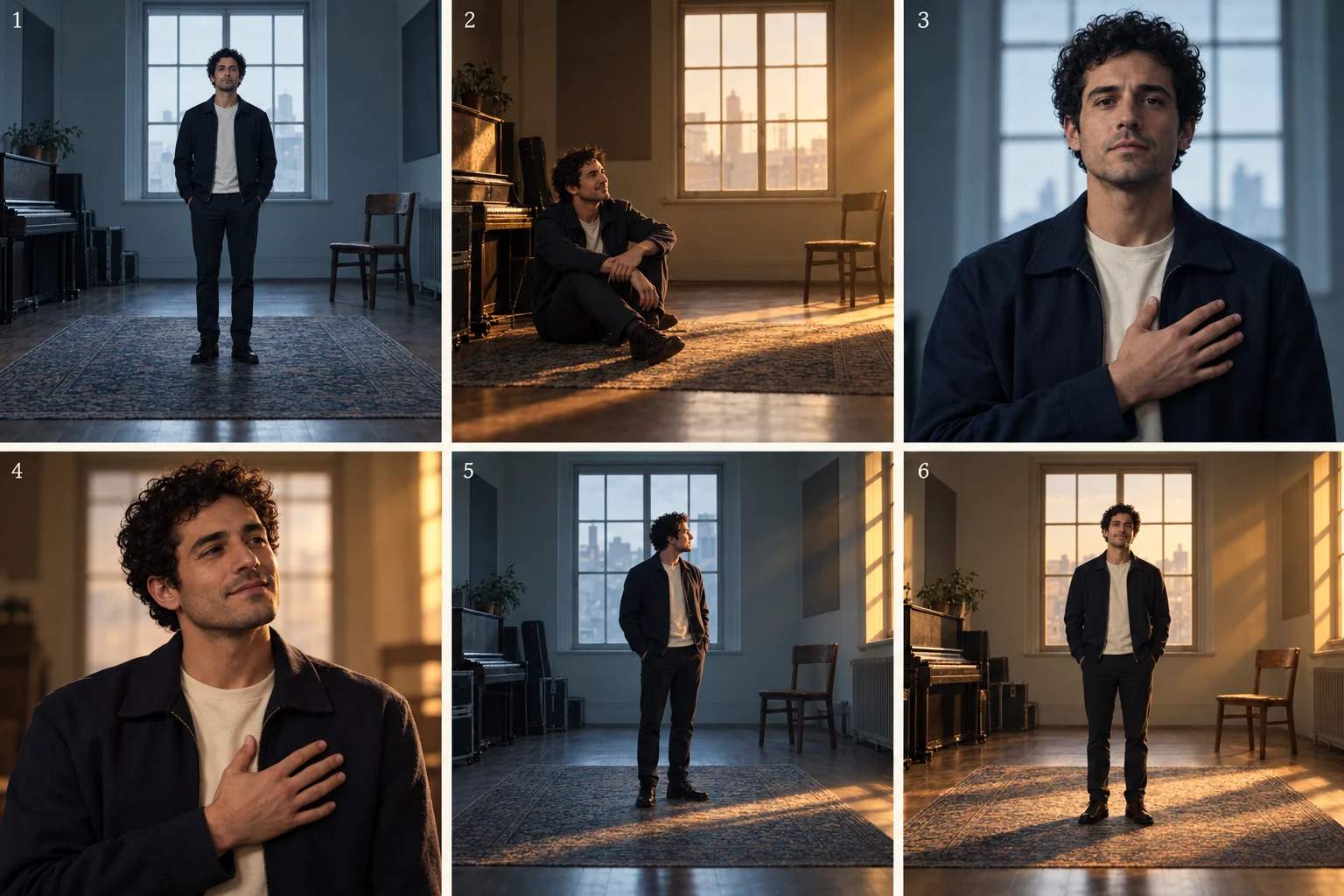
1. Establish the public image
Use a wide, symmetrical composition. Put him at the center, with the window behind and the chair in a consistent position. Hold the posture rather than requesting complicated movement. The order of the frame should be easy to recognize later.
2. Answer with the private image
Cut to the same person and room layout in warmer light, with the framing offset. Let his shoulders relax. Matching the visual landmarks makes this feel like another view of him, rather than an unexplained move to a different location.
3. Introduce a gesture in the public room
Move to a medium view. His hand rests against his chest, his expression contained. Keep the gesture readable and the fingers uncomplicated. This gives the next cut something more precise to connect than a similar color palette.
4. Repeat the gesture with a different feeling
Use comparable framing in the private room. The hand remains in a similar position, but the shoulders and expression soften. The edit compares two states. If the hand positions differ too much in the outputs, choose a simpler shared pose or cut on another visual landmark.
5. Let one world affect the other
Return to the public room. He looks toward the window as warm light reaches his face. The rest of the frame stays cool. This is a new shot with mixed lighting, not a request to transform the whole room during a long camera move.
6. Resolve the performance, not the architecture
Hold a centered final view with a less guarded posture. Keep the navy jacket and the room. The slight change matters because we established the rules earlier. A spectacular new environment would shift attention away from the person at the point of resolution.
Use the song to decide when the second world appears and when the shared gesture returns. Alternating on every beat can become predictable. Stay in one world when a lyric or instrumental passage needs time to land. The six beats are not a fixed shot count.
Direct the contrast in VibeMV
Start with one Main character. Put the two sets of visual rules into Preferences → Story direction, including what must remain the same:
One performer, one navy jacket and cream shirt, two visual versions
of the same rehearsal room. Public: cool light, centered framing,
held posture. Private: warm side light, off-center framing,
relaxed posture. Connect the worlds with a hand-at-chest gesture.
End in the public room with warmer light and a more open posture.
Use separate shots and cuts. No duplicate person or magical portal.
If you add setting or lighting reference images, explain their use in How should this image be used? A different person in a lighting reference should not become a second lead. Review the Creative plan to confirm which reference belongs to which Shot.
For the matched public portrait, the Image prompt could be:
The selected performer in a navy jacket and cream shirt, medium
frontal framing in the established room. Centered composition,
cool even light, one hand resting flat against his chest,
contained expression, face unobscured.
For the private portrait, keep the subject, outfit and hand position in the Image prompt; change the framing, light and expression. After applying the plan, edit the still description in the Workspace Image step's Generate image text box. Check Reference Images and compare the two Start frames before generating video.
An optional Video prompt might request “a small breath and a slight relaxation of the shoulders; keep the camera still.” It should describe movement within this shot, not instruct the editor to alternate worlds. Choose Lipsync for shots that need synchronized singing; Scene shots can carry the silent story images under the song.
Check the final sequence with sound. The private room should add meaning, not merely offer a second color grade. Creating or applying a Creative plan is free; image and video generation and regeneration use credits. Neither references nor matching text guarantee an identical person, gesture or room across outputs.
When this idea needs simplifying
If the contrast is hard to read, reduce the number of differences. Keep one room and outfit, then work with posture and light. If the matched gesture feels awkward, connect the shots through a shared gaze or position instead. If the song has no emotional shift, the two worlds can remain unresolved; do not force a triumphant ending.
For a different theme, these could be “before work / after work” or “the remembered place / the place today.” Keep the comparison specific. “Reality versus dreams” needs concrete visual rules before it becomes a useful direction.
The prompt guide explains individual shot wording. The character guide covers identity and reference setup. This article's job is the relationship between the two sequences.
Frequently asked questions
How do you make two visual worlds feel connected in a music video?
Keep a recognizable link, such as the same performer, outfit, room layout or gesture. Change a few deliberate rules between the worlds, then let the ending show whether they meet, remain separate or reverse their relationship.
Does this treatment require a split-screen effect or an AI transformation?
No. The example uses separate shots and matched cuts. The final image borrows a visual quality from the other world; it does not depend on a seamless transformation, duplicated performer or split-screen compositor.
For a simpler performance arc, read the one-room treatment. For a story told through a prop, read The Spare Key. Compare the approaches, or start with your song.
For a journey through changing spaces, compare the dreamlike treatment.
More Posts
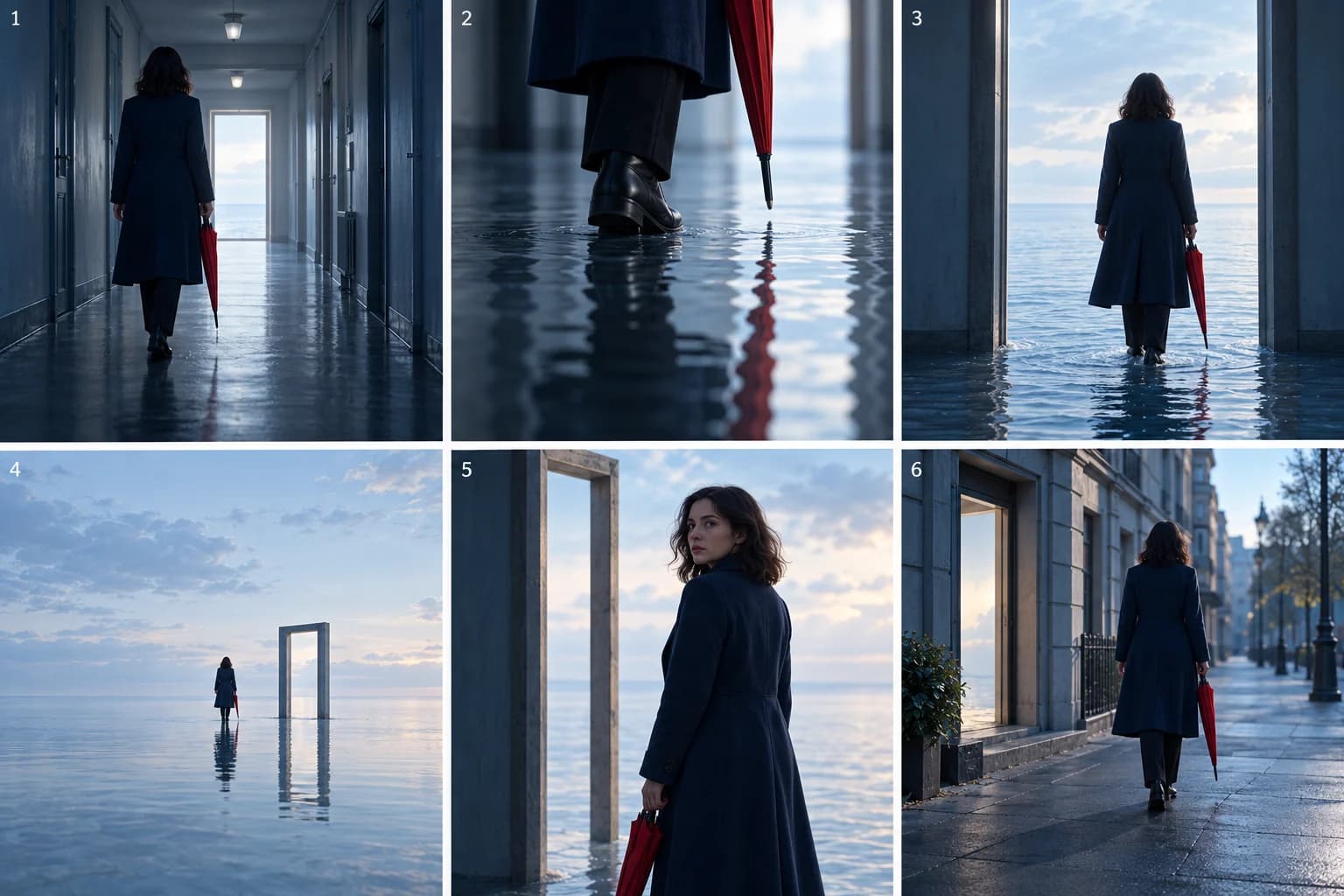
Dreamlike music video: a surreal treatment with a clear story
Plan a dreamlike music video that holds together. Follow a corridor-to-sea concept using recurring shapes, a clear journey and six illustrated beats.
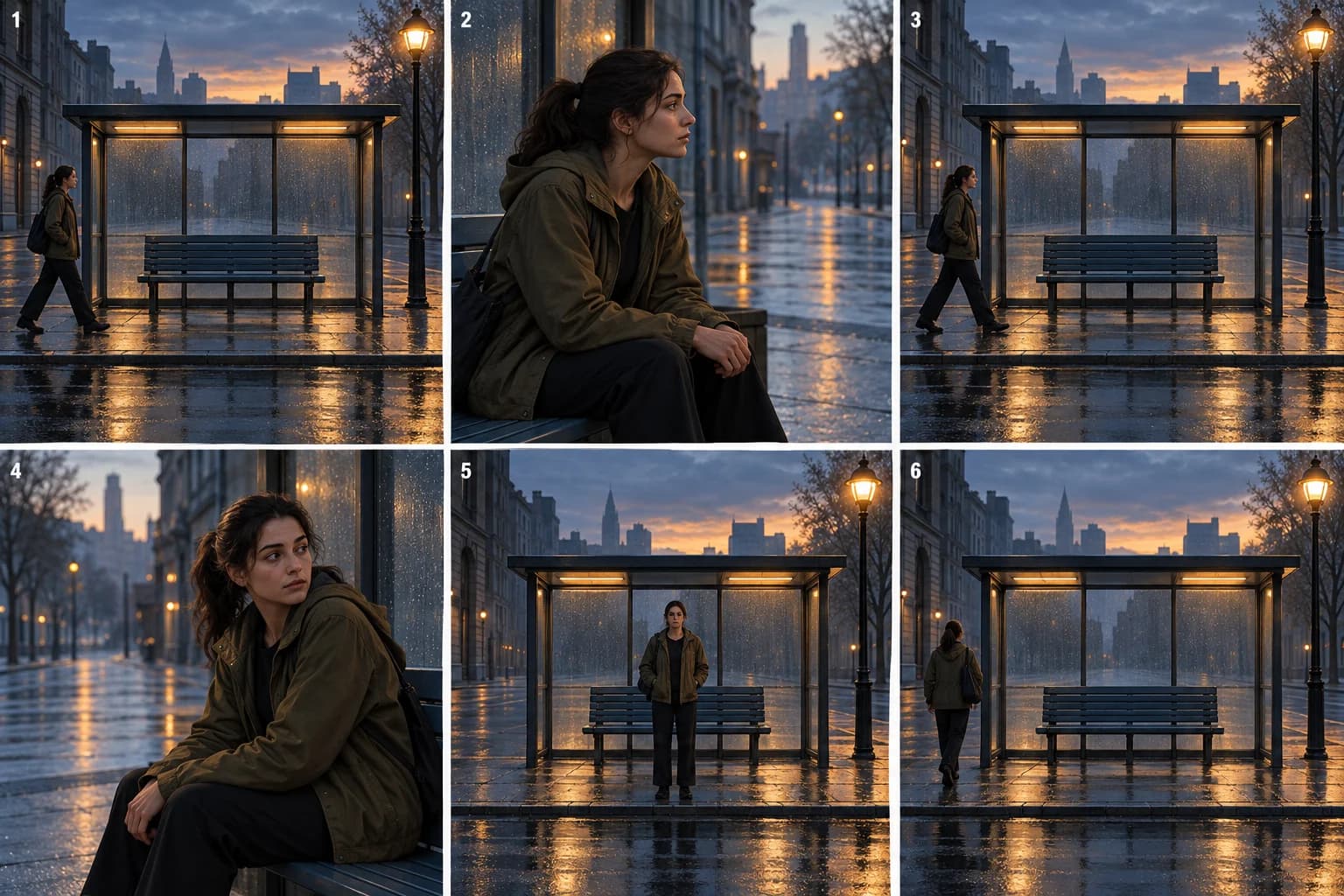
Narrative loop music video: repeat a scene, change its meaning
Build a narrative-loop music video around a recurring street scene. Follow six illustrated beats and learn what to repeat, change and resolve.
One-room music video: a performance treatment example
Build a one-room music video around one performer. Follow a six-beat treatment using framing, light and movement, then adapt it in VibeMV.