A retro music video needs a reason to look back. A warm filter and an old jacket can suggest nostalgia, but the objects and setting become more interesting when the character has something to do with them.
In this treatment, a singer stays in a record shop after closing to hear one last song. The records, practical lamps and quiet counter are part of the moment. We use a restrained, period-inspired look rather than claiming to recreate a particular year.
The Last Playback is a fictional teaching concept. The images are AI-generated illustrations, not archival footage or a real artist's video. The sample directions are untested. No historical accuracy, vintage camera process or VibeMV filter preset is implied.
The treatment: The Last Playback
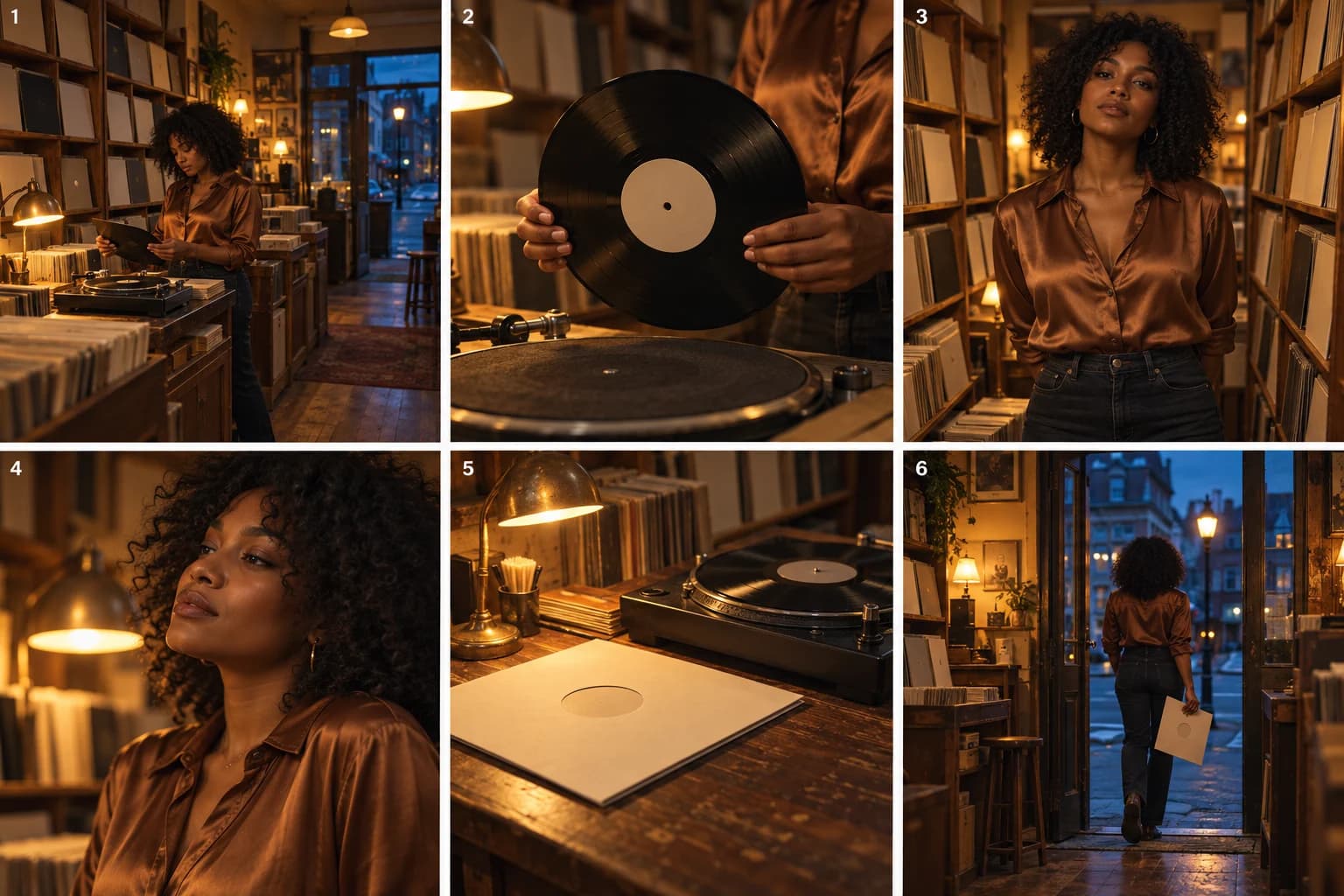
A record shop is closing. Outside, the street has turned blue; inside, small lamps keep the shelves and counter warm. A singer picks out one record and remains for a final listen.
The performance begins among the shelves, close enough to feel private. We return to small details of the room: the edge of a record, an empty sleeve, the counter where someone might normally be waiting. The images suggest a place associated with listening, without inventing a biography for the singer.
When the song ends, she takes the record with her. The last view looks toward the open doorway: cool street outside, warm shop behind. She leaves with a physical reminder of the moment rather than leaving the past frozen in the room.
The story gives the styling a purpose. If you remove the grain, it should still make sense.
Choose the look before filling the frame
For this example, the visual rules are warm practical lamps, wood shelves, plain record sleeves, a bronze shirt and gentle texture. Cool street light provides contrast at the doorway. Framing is mostly held and readable.
That is a working palette, not a checklist of everything old. There is no need to add a rotary phone, a television, a jukebox and a classic car to the same small shop. If you need an exact decade or place, research its details and verify the outputs rather than relying on the word “vintage.”
Let the objects belong to an action
Select a concept image to open the complete board. The six beats move from choosing a record to taking it into the present.
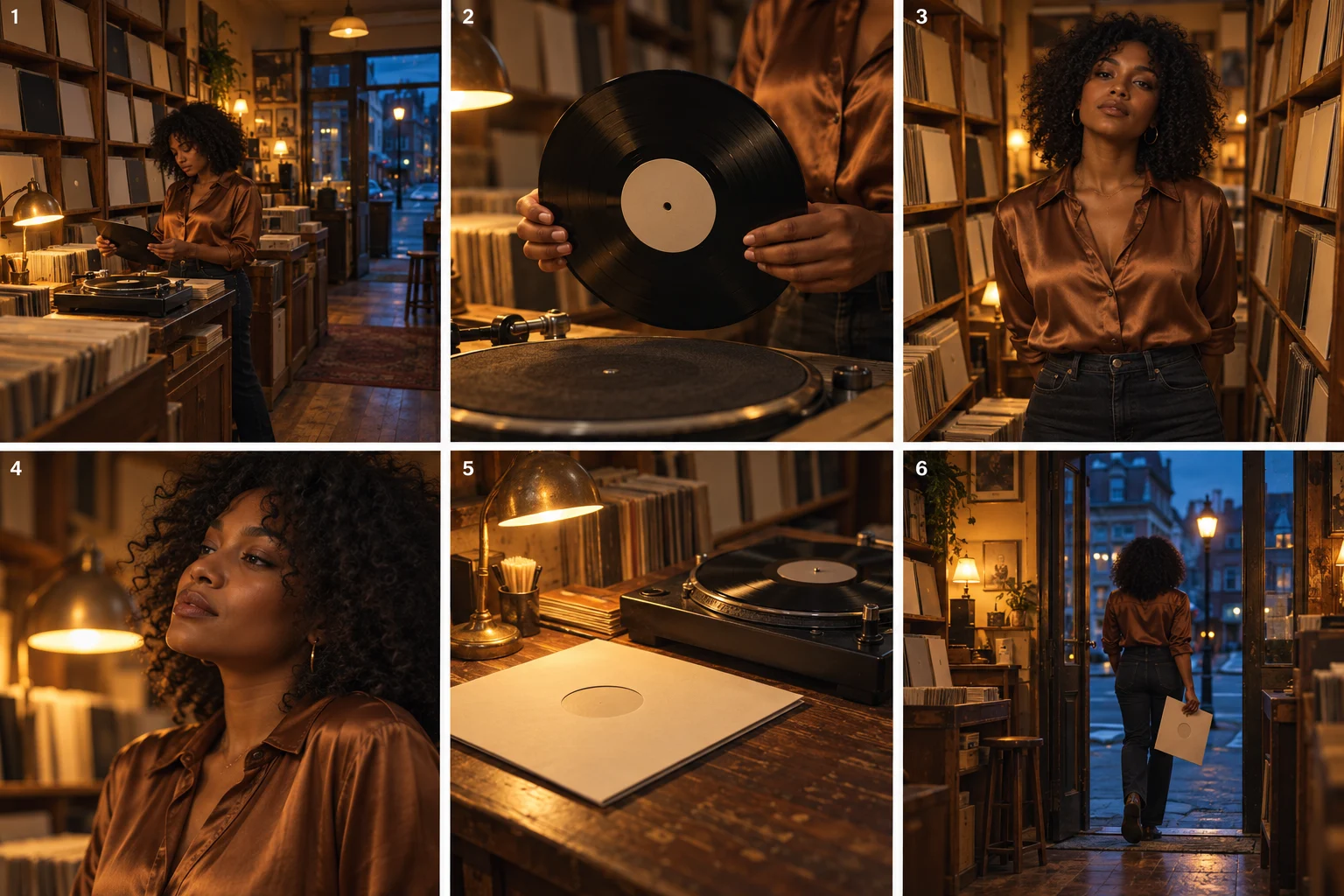
1. Establish the shop through light and layout
Show the counter, shelves and one listening area in a wide view. Keep the outside cooler than the interior so the shop feels like a pocket of warmth. The viewer should understand where the performer is before you move to portraits or details.
2. Give the record a reason to appear
The singer holds a record by its edges. We do not need a recognizable album cover or readable title to understand the choice. If precise handling is difficult to render, use a held detail or show the record resting beside its sleeve instead of demanding a complete needle-placement action.
3. Let the singer occupy the setting
Place a medium portrait between the shelves. The bronze shirt belongs to the amber and wood palette without requiring a theatrical costume. If this shot becomes synchronized singing, select a Lipsync workflow and evaluate the vocal result; the illustration alone only establishes its visual direction.
4. Change distance before changing style
Move closer for a more private line or musical passage. Keep the practical light and wardrobe recognizable. Avoid suddenly introducing aggressive digital zooms or heavy damage effects unless the song gives them a clear purpose. This beat develops intimacy, not a catalogue of retro techniques.
5. Use a detail as a pause
The counter and sleeve can hold a quiet instrumental moment. The detail matters because we saw the record chosen earlier. It gives the performance room to breathe without sending the viewer to another location. A random antique unrelated to the scene would have less purpose.
6. Make the exit part of the palette
Frame the doorway so warm interior and cool exterior are visible together. She leaves carrying the sleeve. The setting is not just a backdrop for a look; it has given her something she takes away. Keep enough of the shop visible to connect the ending to the opening.
Turn “retro” into directions VibeMV can interpret
Set the performer through Main character. If you provide a visual reference, explain what you want from it in How should this image be used? For example: “Use the warm lamp light and wood textures; keep my selected Main character.” A photograph of another artist should not silently become your lead.
Use Preferences → Story direction for the whole idea:
One singer in a small record shop after closing. Warm practical
lamps, wood shelves, plain record sleeves and a bronze shirt.
Cool blue street outside. Begin by choosing a record, move into
an intimate performance, then end with the singer taking the
record through the doorway. Keep the look restrained and coherent.
No readable album titles, phones or extra decorative antiques.
Review the Creative plan for the performance and detail shots. In each Image prompt, describe the visible choices instead of repeating “retro cinematic”:
Medium portrait of the selected singer in a bronze shirt between
wood record shelves. Warm practical lamp at frame left, gentle
shadow, plain unlabeled sleeves in the background. Held frontal
composition, face unobscured, restrained film-like texture.
The optional Video prompt can ask for a small head turn or restrained movement. It does not choose a physical film stock or add a guaranteed period-accurate finishing process. If the final edit needs a specific grain treatment, apply and inspect that consistently in an editor with those controls.
In the Workspace, use the Image step's Generate image text box for the still description and check Reference Images. Review Start frames for accidental modern props, changing shelves or inconsistent clothing. Inspect the resulting motion separately. Creating or applying a Creative plan is free; image and video generations use credits.
Adapt the look without borrowing someone else's identity
A diner after closing, a rehearsal room or a small community dance hall could carry a related feeling. Choose the place because it belongs to your song, then choose its light, surfaces and a useful action. Do not copy a recognizable artist's costume and set simply to signal a decade.
For more detail on how a limited setting can develop, see the one-room performance treatment. For contrast based on two versions of one place rather than a period-inspired look, see the two-worlds treatment.
Frequently asked questions
How do you make a retro music video feel coherent?
Choose a limited set of cues across props, light, color and framing, then give them a role in the story. Check each image against those choices. A grain effect alone does not establish a coherent period-inspired world.
Are these images archival footage or a historical reconstruction?
No. The Last Playback is a fictional, retro-inspired teaching concept illustrated with AI-generated images. It does not document a real shop, artist or exact historical year, and it has not been tested as a generated video.
Compare the treatment examples, or start a project from your song.
More Posts
Dreamlike music video: a surreal treatment with a clear story
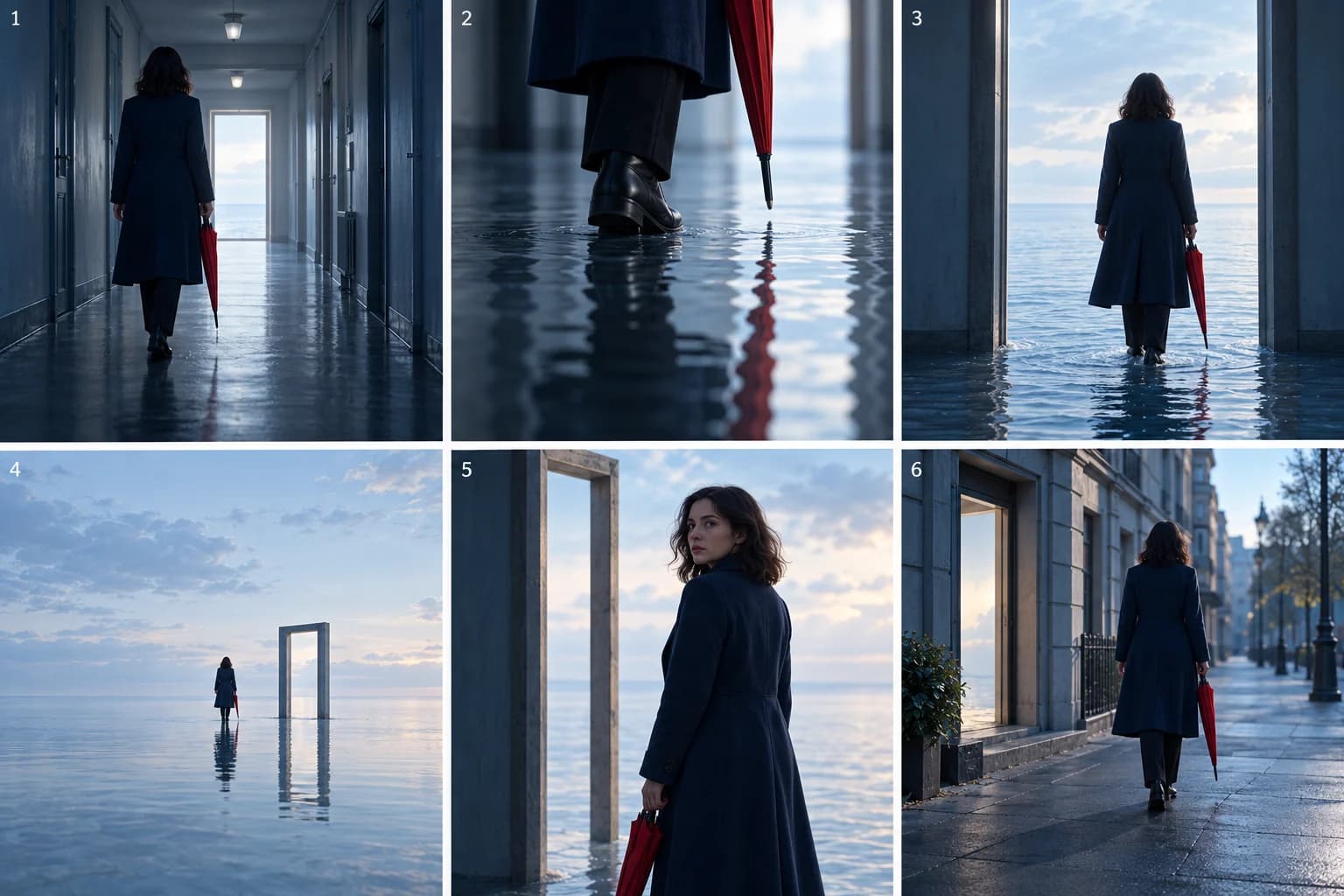
Plan a dreamlike music video that holds together. Follow a corridor-to-sea concept using recurring shapes, a clear journey and six illustrated beats.
Narrative loop music video: repeat a scene, change its meaning
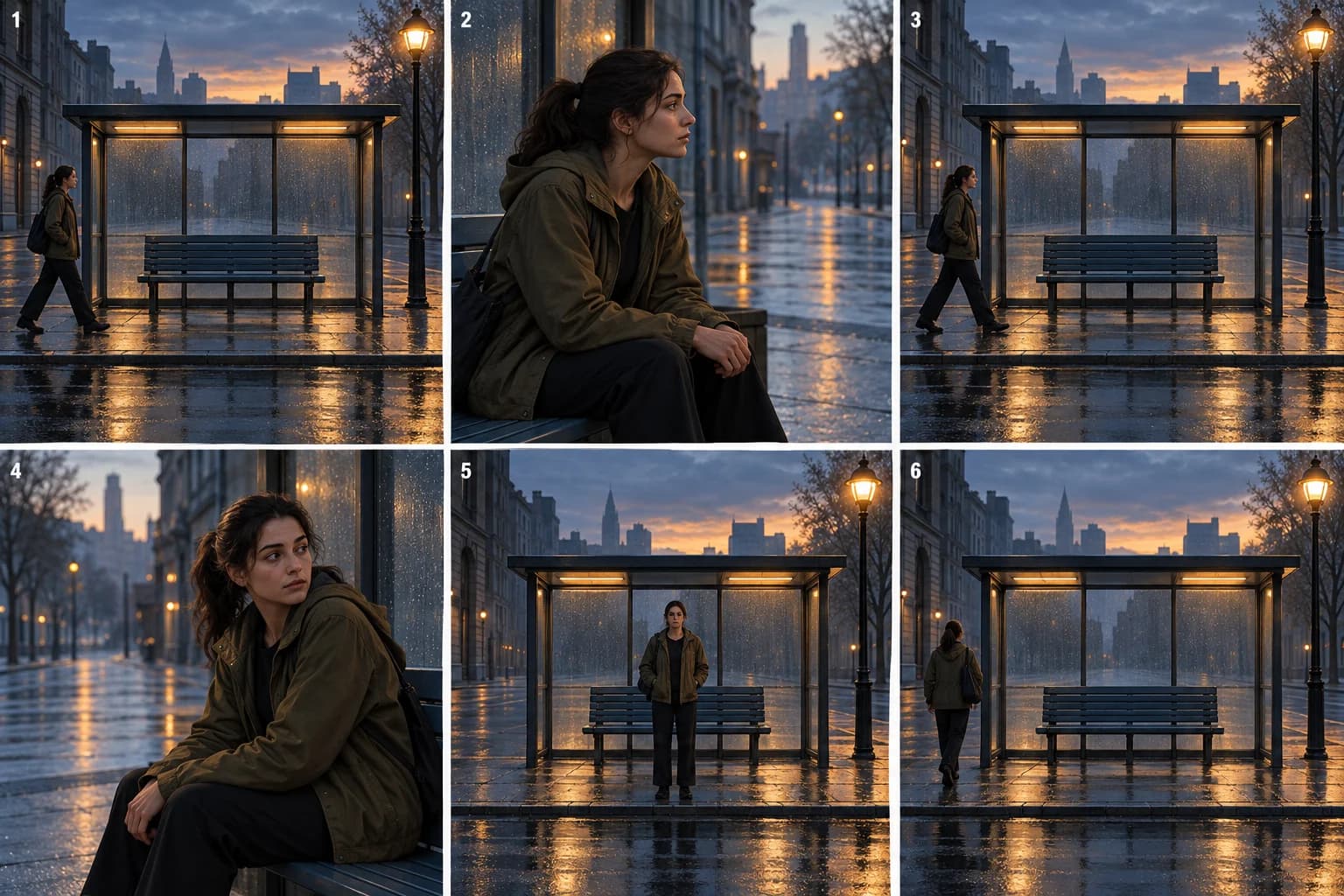
Build a narrative-loop music video around a recurring street scene. Follow six illustrated beats and learn what to repeat, change and resolve.
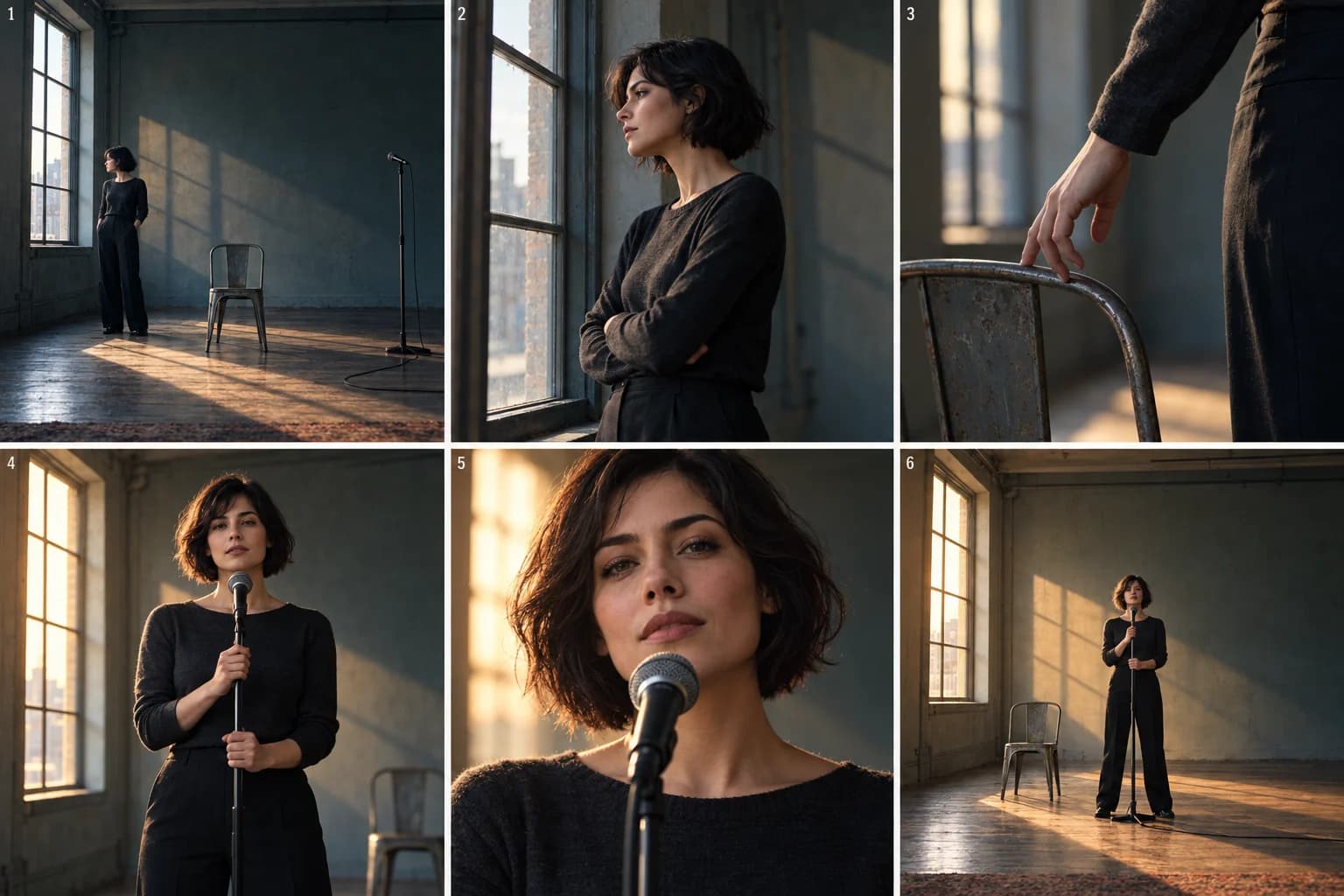
One-room music video: a performance treatment example
Build a one-room music video around one performer. Follow a six-beat treatment using framing, light and movement, then adapt it in VibeMV.