Spotify Canvas vs Music Video: Which Do You Need?
Compare Spotify Canvas and full music videos by purpose, format, access, upload path, and effort so you can make the right release asset first.
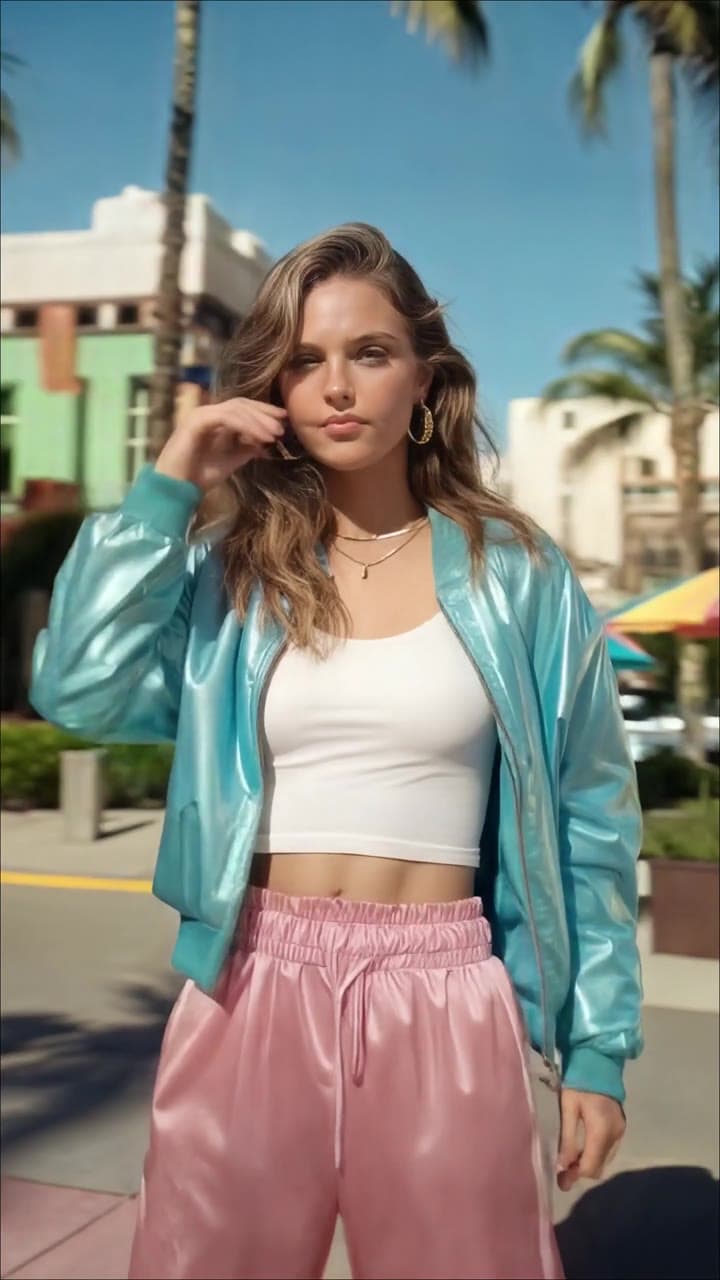 3-8 sec loop
Checked July 30, 2026. Choose Spotify Canvas when you need a short visual loop inside the mobile Now Playing view. Choose an official music video when you need the complete song, performance, story, or main visual release. They use different shapes, files, upload paths, and levels of production; one does not replace the other.
Spotify Canvas vs Music Video
| Question | Spotify Canvas | Official music video |
|---|---|---|
| What does it do? | Adds motion behind one track in mobile Now Playing | Presents the complete song as a video release |
| How long is it? | 3-8 seconds | Normally the full song; recommended over 30 seconds and under 20 minutes |
| What shape? | 9:16 vertical | 16:9 landscape recommended |
| What file? | MP4 or JPG, 720-1080 px tall | MP4 recommended, 1920 x 1080 or higher |
| Who can add it? | Eligible main artists with Admin or Editor access | Label/distributor, or a team with direct-upload beta access |
| Does it use the full song? | No; it loops visually behind the track | Yes; music must be the main focus |
| Can it earn video royalties? | Not treated as a full-length video stream | Qualifying videos can earn royalties and may be chart-eligible |
Spotify documents Canvas and full-length videos as separate products. A Canvas is not a miniature upload test for the main music video.
Choose Canvas for a Fast Track Visual
Canvas is the lighter job. Use it when the song is already on Spotify and you want a small piece of motion without producing a complete MV.
The current Canvas target is:
- 3-8 seconds
- 9:16 vertical
- 720-1080 pixels tall
- MP4 or JPG
Spotify recommends avoiding talking, singing, or rapping that looks as though it should sync with lyrics. Avoid rapid cuts and intense flashing, keep important subjects away from the edges, and do not repeat the artist and song name already shown in Spotify.
The free Spotify Canvas maker creates a 576 x 1024 H.264 MP4 with no audio track. Its 1024 px height sits inside Spotify's current Canvas range, and the tool runs locally in the browser.
Choose a Music Video for the Main Release
Make the full video when the visual story is part of the campaign: performance, narrative, dance, studio session, or a complete generated world built around the song.
Spotify currently accepts official music videos, live performances, studio or acoustic sessions, covers, and alternate versions. It does not accept visualizers, lyric videos, videos without music, still-image videos, or multi-song concerts as official full-length uploads, though a synced-lyrics video for YouTube is still a useful release asset.
The file also needs a delivery route. Use an eligible label or distributor, or the Spotify for Artists direct-upload beta when Video & Visuals → Upload Video is available to your team. Read the complete upload guide before scheduling the release.
The Best Release Plan Is Often Both
Do not stretch a short Canvas loop across the whole song. Start with one visual direction, then make two purpose-built assets:
- Create and review the complete
16:9music video. - Find one moment that still reads clearly on a phone.
- Reframe that moment as a clean
3-8 second9:16loop. - Upload the full video through its delivery route.
- Add Canvas separately to the track in Spotify for Artists.
This keeps the artist identity consistent without pretending one file can satisfy both formats.
How to Upload Each Format
For Canvas, open Spotify for Artists on web, choose Music, select the track, and click Add Canvas. In the mobile app, choose the track and use Edit Canvas. The first main artist or a main artist on both the track and release needs Admin or Editor access.
For a full music video, delivery depends on access. If Upload Video appears under Video & Visuals, an Admin or Editor can use the direct-upload beta. Otherwise, confirm support with the label or distributor managing the video route.
How VibeMV Fits
Use the Spotify Canvas maker for the short loop. Use the AI music video generator for the complete song: define the visual direction, generate shots around song sections, review weak footage, and assemble the final edit.
VibeMV creates the visual file. It does not grant Spotify beta access, clear rights, or submit the file. Before exporting the full video, check the exact Spotify music video requirements.
FAQ
Is Spotify Canvas a music video?
No. Canvas is a 3-8 second 9:16 loop in Spotify's mobile Now Playing view. An official Spotify music video is a full-length, music-first video tied to one song.
What is the difference between Spotify Canvas and a music video?
Canvas is a lightweight vertical loop attached to a track. An official music video carries the complete song, is normally produced in 16:9, needs a delivery route, and can earn royalties and be chart-eligible.
Should an artist make both Canvas and a full music video?
Often yes. Build the full music video as the main release asset, then adapt one strong visual moment into a separate 3-8 second 9:16 Canvas loop.
Can I turn a Canvas into an official Spotify music video?
Not by extending the same loop. Spotify does not currently accept visualizers as official full-length music videos. Create a music-first, full-song video that follows the full-length content policy.
Which Spotify video format should I make first?
Make Canvas first when you need a fast mobile loop for an existing track. Make the full music video first when video is central to the campaign and you have distributor delivery or direct-upload beta access.
Official Sources
More Posts
AI music video prompts: shot examples and templates
Write AI music video prompts for the intro, verse, chorus and bridge. Use a compact shot structure, camera directions and clearly labeled planning examples.
AI music video storyboard: 12-shot example and template
Plan an AI music video storyboard with 12 timed shots, real finished-video frames and a free CSV template. Learn how performance and story scenes fit together.
Consistent characters in AI music videos with VibeMV
Set your Main character in AI Producer, review its references in the Creative plan, then check and fix individual Shots in the Workspace.