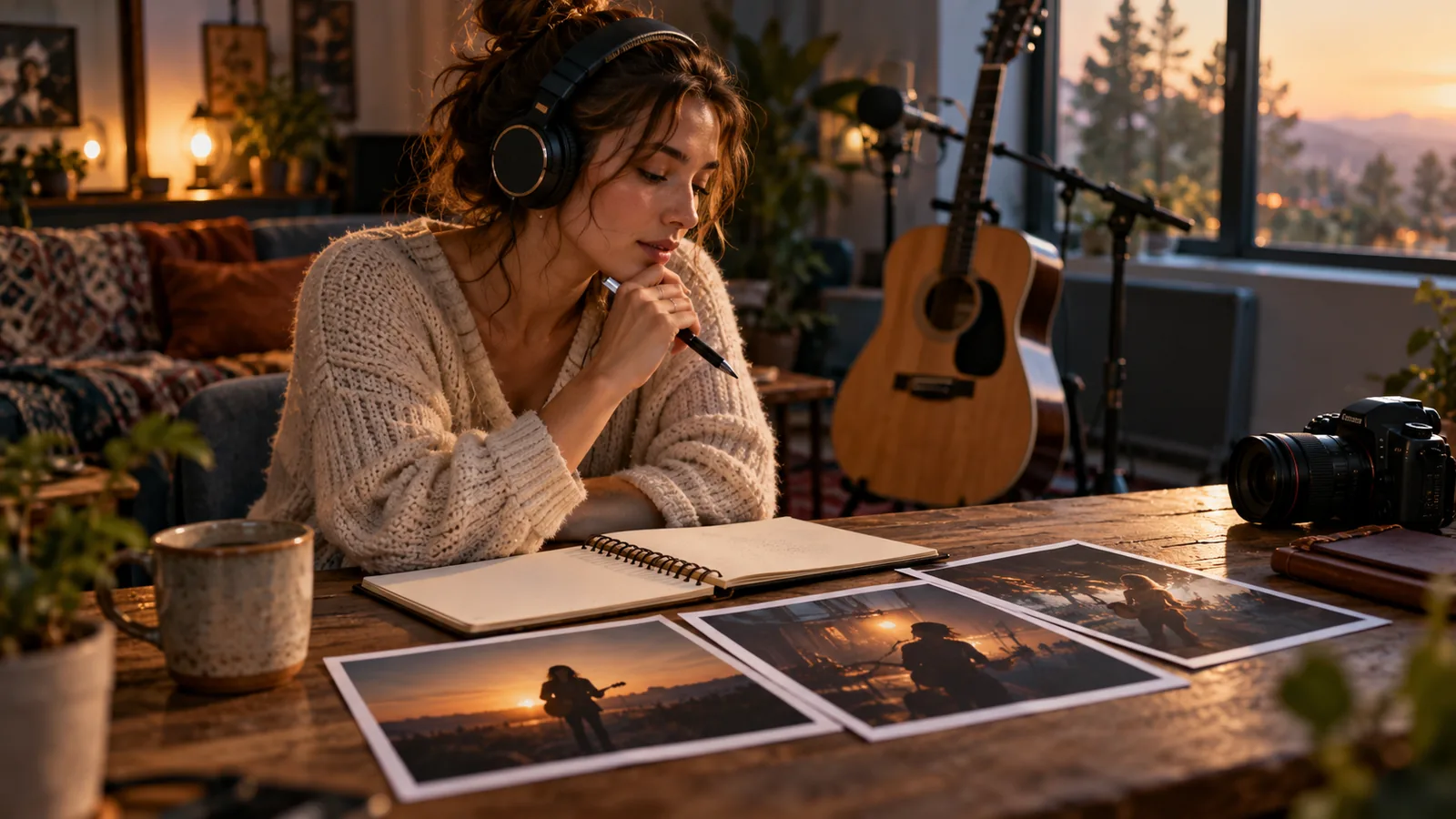
Un générateur de clips musicaux IA peut transformer votre enregistrement d'une reprise en performance visuelle, clip narratif ou teaser vertical. Il ne peut pas rendre la chanson libre de droits. La création vidéo et l'autorisation musicale sont deux chantiers distincts.
Ce guide fournit des informations générales, pas un avis juridique. Les règles varient selon le pays, le catalogue, la plateforme et l'usage envisagé.
Quel guide lire ensuite ? Pour le contexte général, consultez le guide des droits d’auteur des clips musicaux. Pour produire la vidéo, ouvrez le générateur de clips musicaux IA. Les conditions commerciales sont résumées sur la page Tarifs.
La réponse courte
Avant de générer un clip, répondez séparément à ces questions :
- Pouvez-vous enregistrer et distribuer cette reprise ?
- Pouvez-vous associer la composition à des images ?
- Contrôlez-vous votre enregistrement et tous les éléments visuels importés ?
- Votre forfait et la plateforme autorisent-ils l'usage prévu ?
VibeMV intervient après ces vérifications. Il génère les visuels ; il ne négocie ni licence, ni autorisation d'éditeur, ni litige de plateforme.
Commencer par les droits
Une reprise réunit au minimum la composition d'origine, votre enregistrement et la vidéo. Selon le projet, s'ajoutent des paroles affichées, une pochette, des photos, une chorégraphie ou l'image de personnes réelles.
| Vérification | Pourquoi elle compte |
|---|---|
| Composition | La chanson appartient généralement à ses auteurs ou éditeurs. |
| Enregistrement | Confirmez les accords avec interprètes, producteur et label. |
| Synchronisation | Associer une composition à des images peut demander une autorisation distincte. |
| Éléments visuels | N'importez que des images, logos et ressemblances que vous pouvez utiliser. |
| Destination | Une publication personnelle, une vidéo monétisée et une publicité ne sont pas le même usage. |
Le Copyright Office américain rappelle que composition musicale et enregistrement sonore sont deux œuvres distinctes. Hors des États-Unis, utilisez les sources officielles de votre territoire.
Ce que VibeMV fait — et ne fait pas
VibeMV accepte les fichiers MP3, WAV, AAC, M4A, FLAC et AIFF de 3 secondes à 7 minutes, jusqu'à 100 MB. Vous pouvez préparer une sortie 16:9 ou 9:16, choisir le mode Scène ou Synchronisation labiale, exporter en 720p par défaut et demander une Version 2K optionnelle.
La génération avec le Modèle Base commence à 2 crédits par seconde générée. Ces crédits couvrent la création vidéo, pas les licences musicales. De même, les packs de crédits seuls n'accordent pas d'usage commercial ; celui-ci commence avec les abonnements payants, selon les conditions VibeMV applicables.
Quand un clip de reprise est pertinent
Ce format convient bien à une interprétation vocale, à une performance de groupe dont les autorisations sont claires, à un teaser social ou à une reprise publiée dans le cadre d'un accord documenté. Il convient moins à une publicité, un livrable client ou une campagne de marque tant que les permissions écrites ne couvrent pas précisément cet usage.
Le choix créatif doit suivre le morceau. Une performance en Synchronisation labiale peut renforcer un refrain ; des scènes abstraites ou narratives fonctionnent souvent mieux sur les instrumentaux et les transitions.
Processus prudent en sept étapes
- Clarifiez les droits avant l'upload. Notez les ayants droit, accords et limites de territoire.
- Testez un extrait de 15 à 30 secondes. Un refrain suffit pour valider le style sans engager tout le budget.
- Choisissez le format dès le départ. 16:9 pour une vidéo paysage ; 9:16 pour Shorts, Reels ou TikTok.
- Réservez la Synchronisation labiale aux plans utiles. Elle doit servir la performance, pas devenir une contrainte sur chaque scène.
- Budgetez les variantes. Gardez une marge pour corriger un visage, un mouvement ou une transition.
- Contrôlez la sortie. Vérifiez bouches, mains, texte, cadrage, artefacts et synchronisation audio.
- Relisez les règles de publication. Les obligations de déclaration des contenus synthétiques évoluent et dépendent du réalisme du résultat.
Notes par plateforme
YouTube. Vérifiez les droits musicaux, les éventuelles réclamations audio et la règle actuelle de déclaration des contenus réalistes altérés ou synthétiques. Une déclaration ne constitue pas une licence musicale.
TikTok, Reels et Shorts. Une musique disponible dans la bibliothèque intégrée d'une plateforme n'autorise pas nécessairement l'import d'un master séparé dans une publicité ou un livrable commercial. Vérifiez la portée exacte de la licence.
Spotify Canvas. Canvas est une boucle courte, pas un clip synchronisé complet. Vous devez néanmoins disposer des droits sur la piste distribuée et sur le visuel envoyé.
Erreurs fréquentes
- Commencer la génération avant d'identifier les titulaires de droits.
- Confondre l'autorisation commerciale VibeMV sur les visuels avec une licence sur la chanson.
- Utiliser la Synchronisation labiale sur chaque plan, même lorsqu'aucune bouche n'a besoin d'être lisible.
- Générer tout le morceau avant d'avoir validé un extrait.
- Publier sans revoir les artefacts, le cadrage et les règles actuelles de la plateforme.
Checklist avant publication
- Les droits sur la composition et le master sont documentés.
- Les collaborateurs ont approuvé l'usage de leur interprétation et de leur image.
- Aucun visuel tiers non autorisé n'est présent.
- Le forfait VibeMV correspond à un usage personnel ou commercial.
- La plateforme cible et ses règles actuelles ont été vérifiées.
- Le rendu final a été regardé en entier, avec et sans son.
FAQ
Peut-on créer un clip musical IA pour une reprise ?
Oui, si vous êtes autorisé à utiliser l'enregistrement et la composition dans une vidéo. VibeMV crée la couche visuelle à partir de votre audio, mais ne fournit aucune licence sur la chanson reprise.
Une reprise vidéo demande-t-elle des autorisations supplémentaires ?
Souvent. Distribuer un enregistrement audio et associer une composition à des images ne relèvent pas nécessairement des mêmes droits. Les règles dépendent du territoire, de la plateforme et de l'usage : vérifiez-les auprès des ayants droit ou d'un spécialiste.
VibeMV fournit-il une licence pour les reprises ?
Non. Vous devez disposer des droits nécessaires sur la composition, l'enregistrement, les paroles, les images, les ressemblances et les autres éléments importés.
Quand utiliser la synchronisation labiale ?
Utilisez-la pour les refrains, gros plans et passages où la bouche du personnage doit suivre la voix. Préférez le mode Scène pour les instrumentaux, transitions et plans d'ambiance.
Combien de crédits faut-il prévoir ?
La génération avec le Modèle Base commence à 2 crédits par seconde générée : 30 crédits pour 15 secondes, 60 pour 30 secondes et 360 pour 3 minutes, avant régénérations, Modèle Pro ou Version 2K.
Puis-je monétiser le clip d'une reprise ?
Cela dépend à la fois des droits musicaux, des règles de la plateforme et de votre forfait VibeMV. Un abonnement payant peut autoriser l'usage commercial des visuels générés selon les conditions VibeMV, mais ne vous donne aucun droit sur une musique tierce.
Ressources officielles
- U.S. Copyright Office — œuvres musicales et enregistrements sonores
- YouTube — déclaration de contenu altéré ou synthétique
Guides associés
Plus d’articles
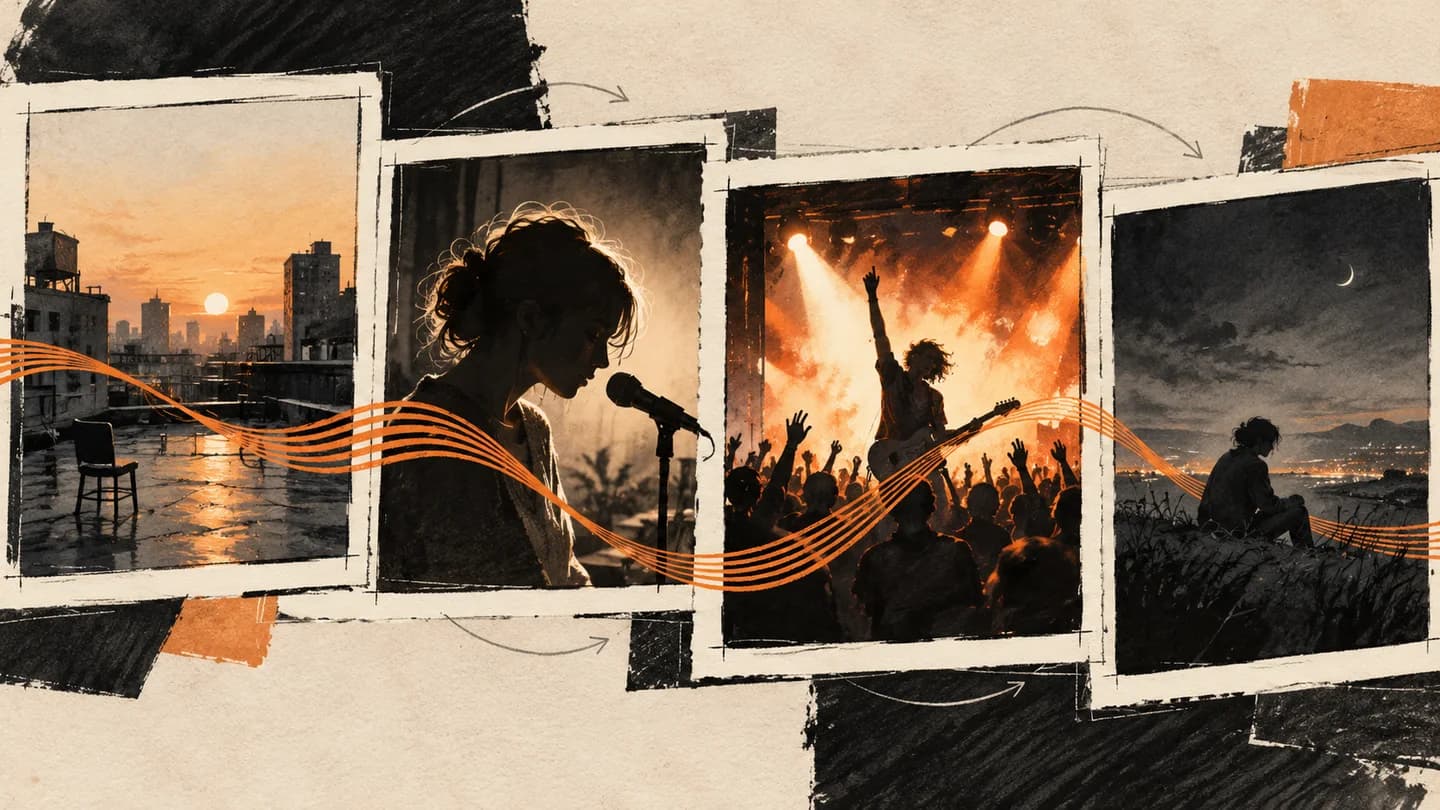
Prompts de clip musical IA : exemples de plans et modèles
Écrivez des prompts de clip musical IA pour l’intro, le couplet, le refrain et le bridge. Structure courte de plan, directions de caméra et modèles de planification clairement identifiés.
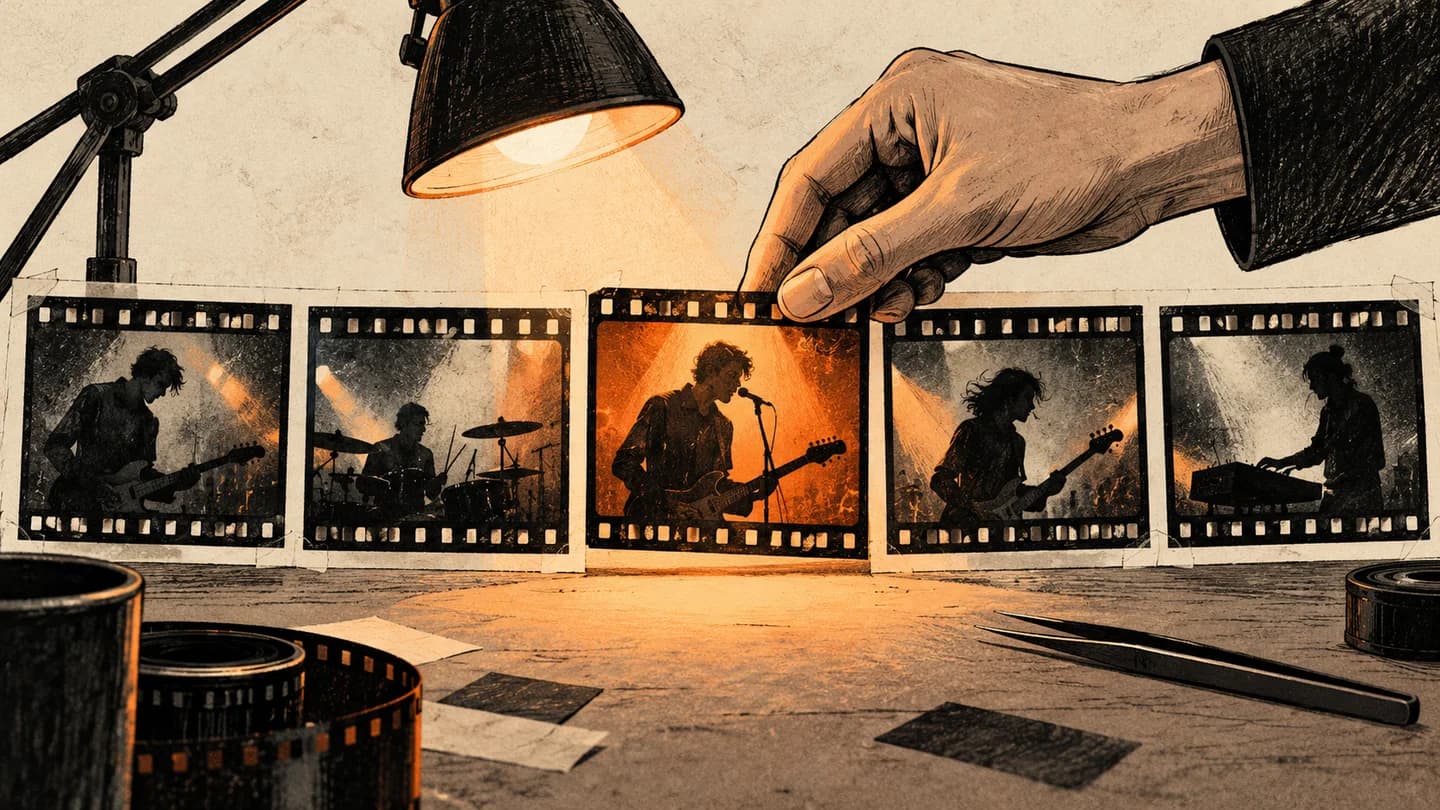
Storyboard de clip musical IA : exemple en 12 plans et modèle
Préparez un storyboard de clip musical IA avec 12 plans minutés, des images réelles d’une vidéo finie et un modèle CSV gratuit. Voyez comment performance et scènes narratives s’articulent.
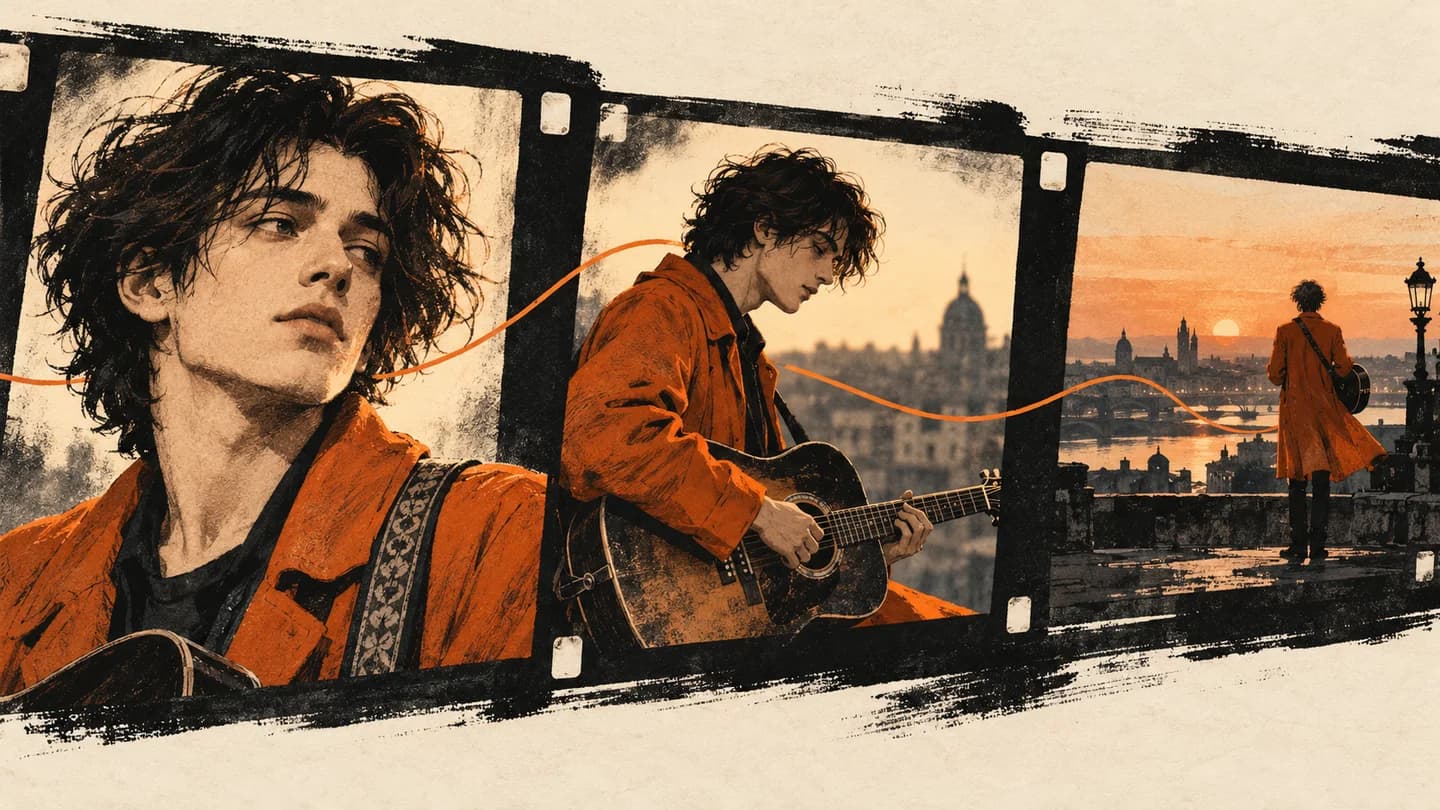
Personnages cohérents dans les clips musicaux IA avec VibeMV
Réglez le Personnage principal dans AI Producer, vérifiez ses références dans le Plan créatif, puis contrôlez et corrigez chaque plan dans l’Espace de travail.